Why planning a meetup drags on forever
The problem is rarely that nobody wants to meet. The problem is the format: in a group chat, decisions get lost between memes, and every new date suggestion wipes out the previous one. Nobody knows who has already agreed, how many people a date works for, or whether the plan is still on.
Good planning has three stages: settle the date and place, collect clear confirmations, and remind people about the meetup. Lutra handles each of them separately instead of throwing everything into one conversation.
Step 1. Ask your crew with a date or place poll
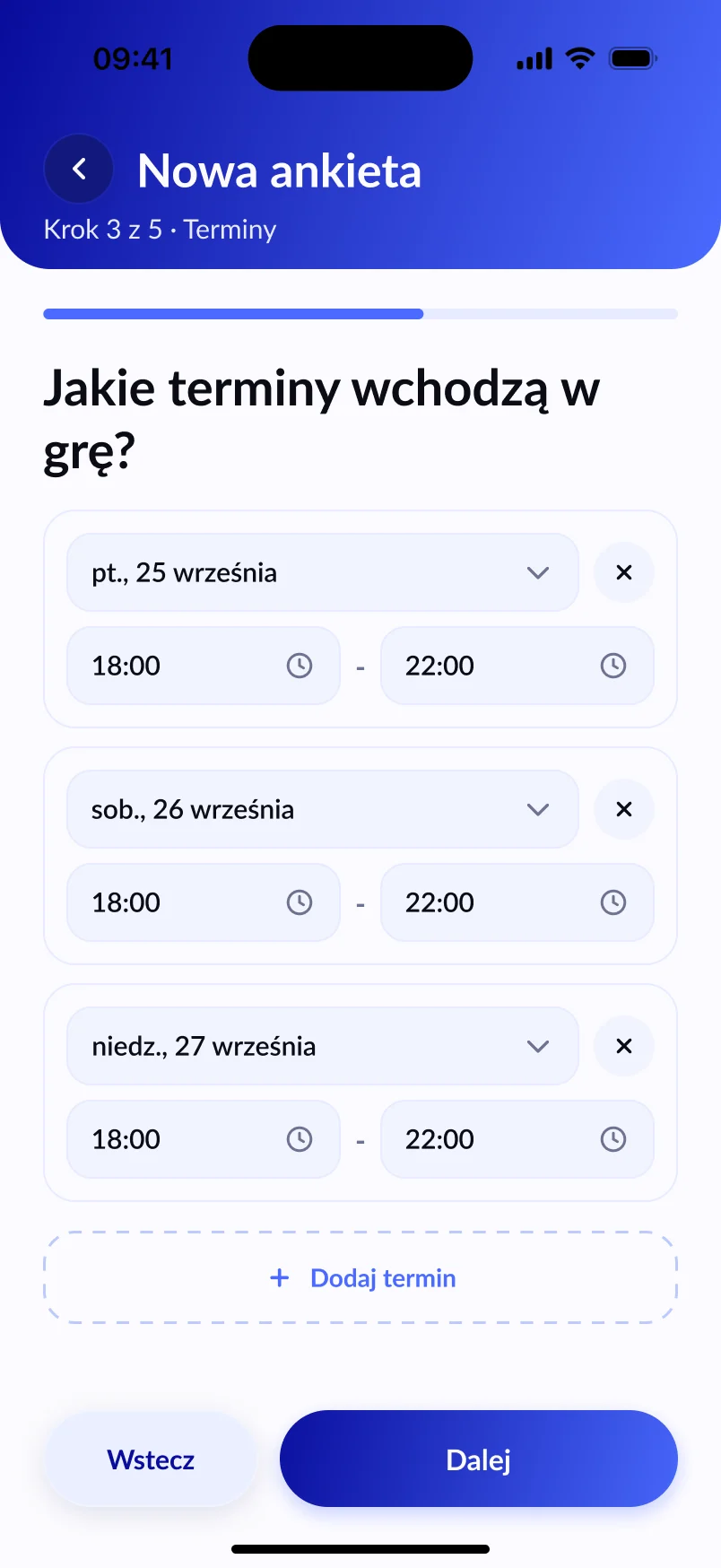
In Lutra you create one of three kinds of poll: date, place, or date and place together. You add 2 to 5 options, and your crew marks each one yes, maybe or no. If none of the dates works for anyone, participants can suggest their own (in a date-only or place-only poll).
You can read more about how voting works in our guide to polls for picking a date.
Step 2. Send one link
The Share button gives you a link you drop wherever you already talk — WhatsApp, Messenger or a text message. Your friends don’t need an account to vote. They only need the Lutra app on their phone. Unlike in a chat, nothing gets lost: all the votes are in one place.
Step 3. Let the majority win
The option marked yes by more than half of the poll’s participants takes the lead. Voting closes at the time you set (after 3 days by default). If it runs for at least 3 days, Lutra reminds participants with an account who haven’t voted yet. The organiser can also send a reminder manually.
Step 4. Turn the result into a meetup
One tap moves the winning date and place into the event creator. You add the rest: a spot limit, a waitlist, rules (e.g. Quiet after 10 pm), a list of things to bring and the people to invite. Invitations go out when you publish the event.
Step 5. Collect answers and stop chasing people
Everyone invited answers Going, Maybe or Not going, and you see the list without counting on your fingers. When the spots run out, more people go on the waitlist and move up automatically when someone drops out. Lutra reminds everyone a day before and 2 hours before the start, and you can add the meetup to your phone’s calendar or to Google Calendar.
Same group every time? Create a crew
If you meet regularly with the same people, create a crew in Lutra. Then you invite everyone in one go instead of picking people each time. A crew holds up to 30 people.
Ready-made scenarios are in our guides: board game night, BBQ with friends, birthday party, trip with friends and class reunion.
Frequently asked questions
Is Lutra free?
Yes, Lutra’s basic features are free. Premium options are coming soon.
Do my friends need an account to vote?
No. A poll link lets people vote without an account, but inside the Lutra app — in a browser you only see a preview of the poll and a prompt to open it in the app.
Which phones does Lutra work on?
Lutra is available on the App Store (iPhone) and Google Play (Android).