Three kinds of polls
- Date — your crew marks the days and times that work for them.
- Place — your crew chooses from the places you add (from the map or typed in).
- Date and place — two polls in one: when and where. Each list has its own leader.
How to create a poll
The creator takes you through a few short steps: type, name, options and settings. You start with 2 to 5 dates or places. You can take the name from the suggestions — e.g. “Board game night” or “Pizza on Friday”.
At the end you set how long voting lasts: 3 days by default, at least an hour, at most 30 days. Voting always closes before the first date on the list, so nobody votes for a date that has already passed. Quick picks give you ready options: in 24 hours, in 3 days, in a week or until the first date.
Yes, maybe, no — and a clear winner
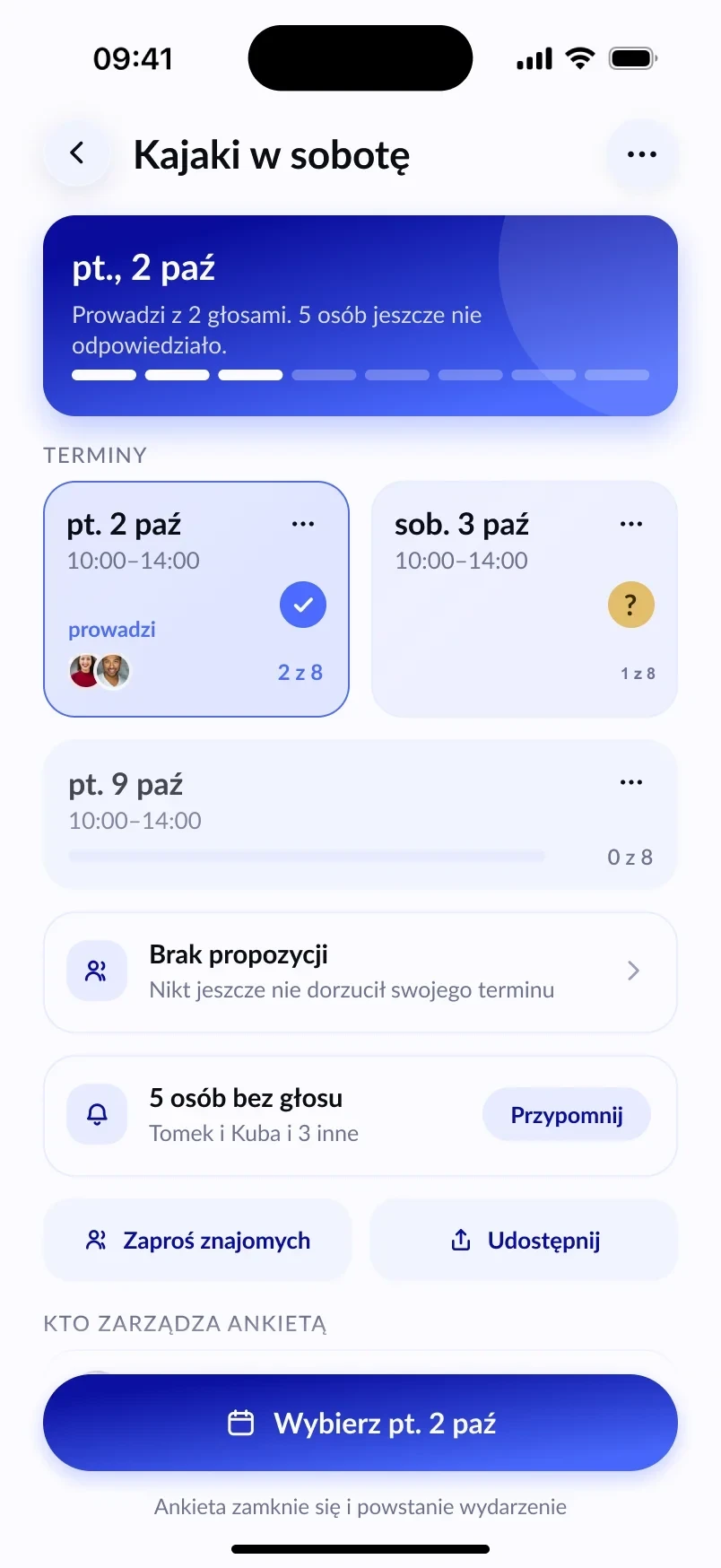
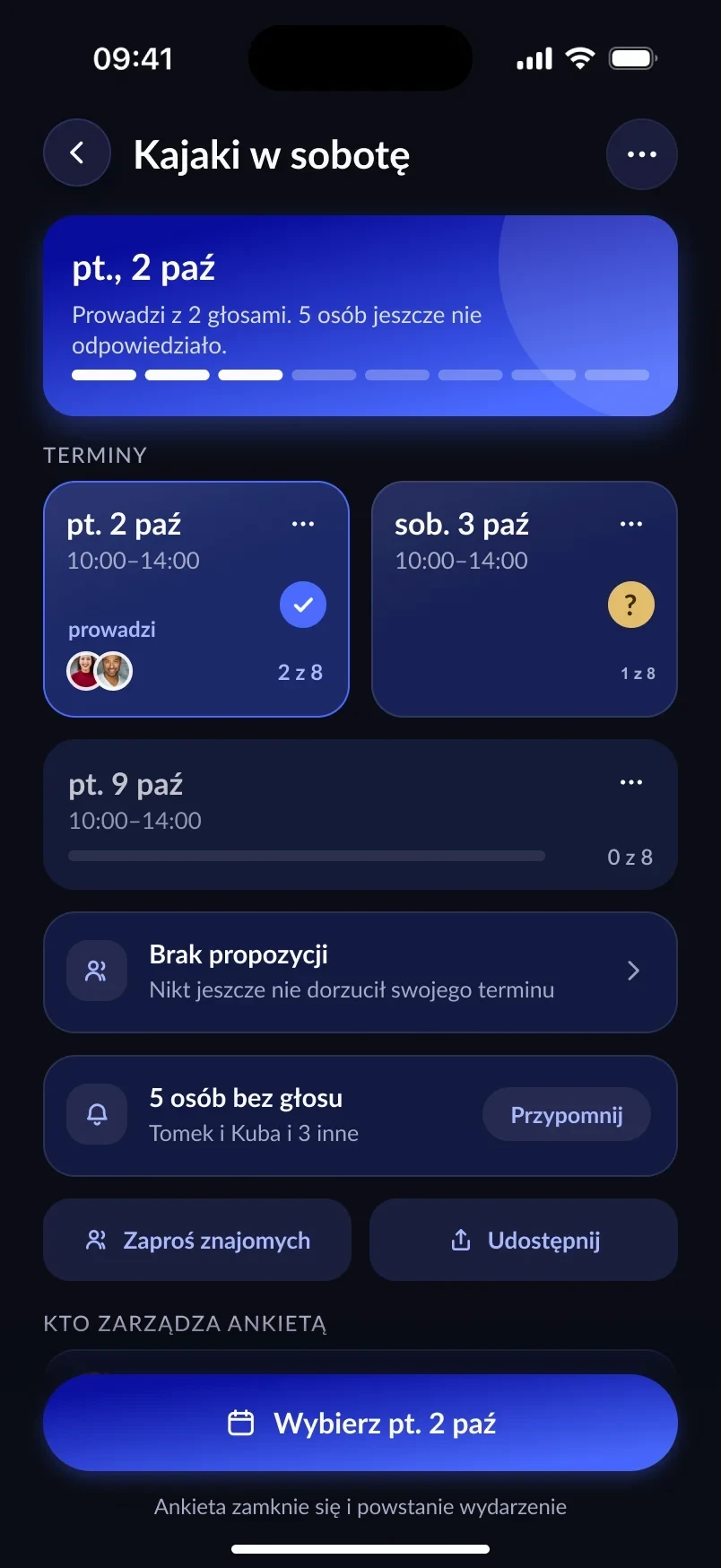
For each option, a participant marks yes, maybe or no. Votes can be changed until voting closes. The lead goes to the option that more than half of all participants said yes to — not just those who have already voted. With 5 people, you need 3 yes votes.
The organiser decides whether voters’ names are visible to everyone. The None works button sets “no” on the whole list in one tap.
When nothing works for anyone
In a date-only or place-only poll, participants can suggest their own option and add a short reason. The organiser accepts or rejects the suggestion, and an accepted one joins the poll and collects votes like the others. If voting ends without a decision, the organiser can extend it or restart it with new dates.
Voting from a link, no account
The Share button gives you a link anyone can vote with — including someone without an account. All they need is the Lutra app. A person without an account sees the results as numbers, not the names of other voters. If they create an account later, their votes move over to it.
From the poll straight to the event
Once the result is clear, the organiser moves the winning date and place into the event creator with one tap. Everyone in the poll gets a notification when the meetup is published. What happens next is covered in our guide How to meet up with friends.
Frequently asked questions
How many polls can I have at once?
In the free version you can have up to 3 open polls at the same time.
Does the organiser vote too?
Yes, the organiser votes on the same terms as the rest of the crew.
Can I change a date in a poll that’s already running?
Dates and places can be added and removed while voting is open. A date added to a running poll has to fall after voting closes.
Does Lutra pick the winner by itself?
Lutra shows what’s in the lead, but the organiser makes the final call — and can also choose a different option than the winning one.