Set a spot limit
In the event creator you turn on Limit and set the number of spots with the plus and minus buttons. The first spot is yours. Everyone invited sees how many spots are left, and only confirmed participants are on the list.
A waitlist that runs itself
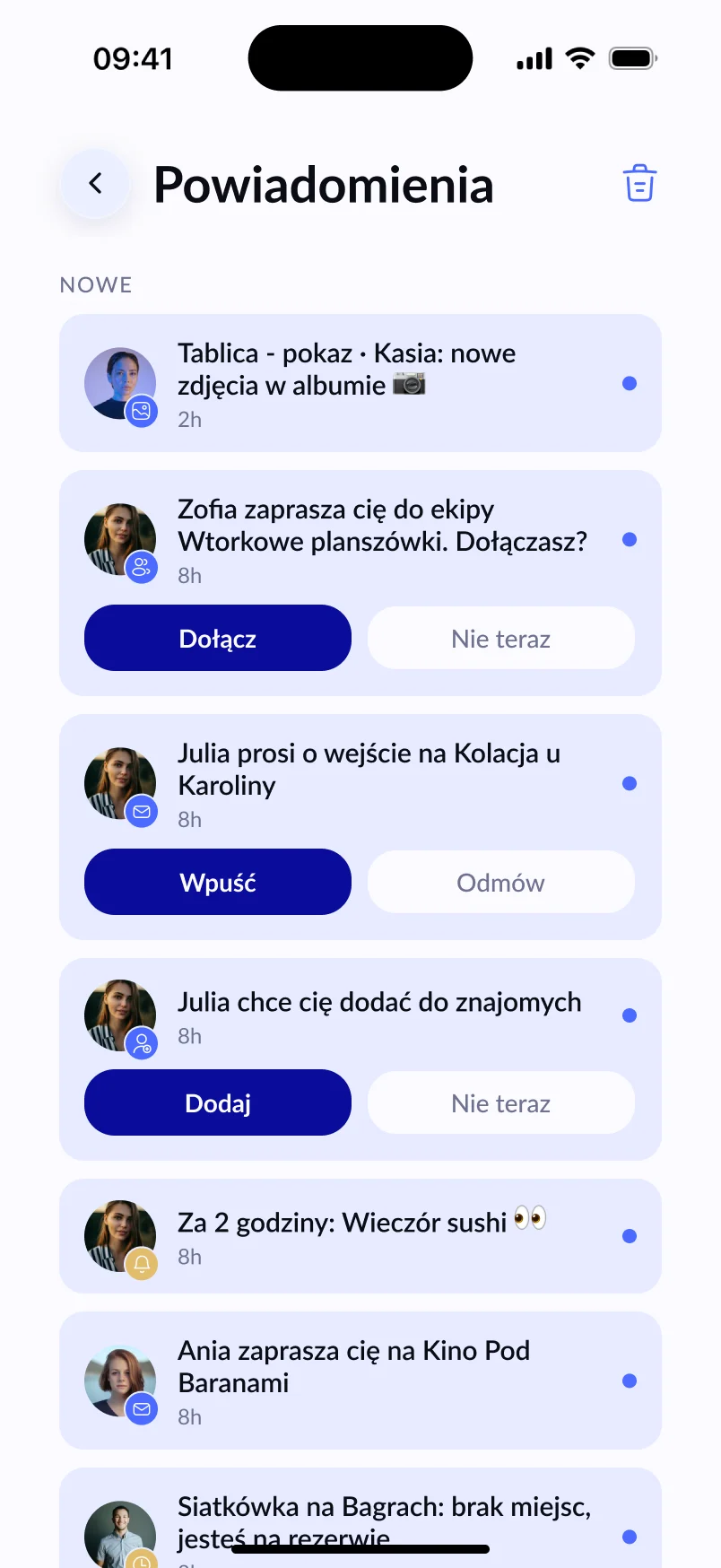
When the table is full, more people go on the waitlist. If someone drops out, the first person on the waitlist takes their spot automatically and gets a notification. You don’t have to move anyone around or post “hey, a spot just opened up”.
A minimum number of players, without the stress
You can also set a minimum number of people. If fewer have signed up 2 hours before the start, Lutra lets the organiser know. A meetup is never cancelled automatically — the decision is always yours.
Table rules up front
In the event rules you can tick ready-made phrases, e.g. Shoes off, Bring something to drink or No alcohol, and add your own — like what you’re playing. Guests see them in the invitation.
Every Thursday? Repeat the event
Board games work best as a regular ritual. After a meetup ends, the Repeat event button opens the creator with the name and address filled in — you set a new date and invite. If you play with the same group, create a crew and invite everyone at once.
Where to play in Kraków
Lutra was born in Kraków, so we know a board game night in Kazimierz or Krowodrza is a classic. If you run a café with games or a board game café and want to host groups like these, take a look at our Partnerships page.
Frequently asked questions
Can I change the spot limit after publishing?
Yes. When you raise the limit, people on the waitlist move up automatically. When you lower it, the extra people go back to the waitlist — by default those who signed up last, but you can choose someone else.
How many people fit on the waitlist?
The organiser sets the number of waitlist spots — from 1 up to the number of spots in the event.
Will Lutra remind players about the meetup?
Yes — a day before and 2 hours before the start.