A list of things to bring
When you create the event, you turn on the list of things and add items: charcoal, sausages, drinks, a blanket. For each one you set how many are needed. Guests sign up themselves, and anything a guest adds is theirs straight away. Items marked “bring your own” mean everyone brings their own — e.g. food for the grill.
The organiser can also assign an item to a specific person. One meetup fits up to 50 items.
A date that works for most
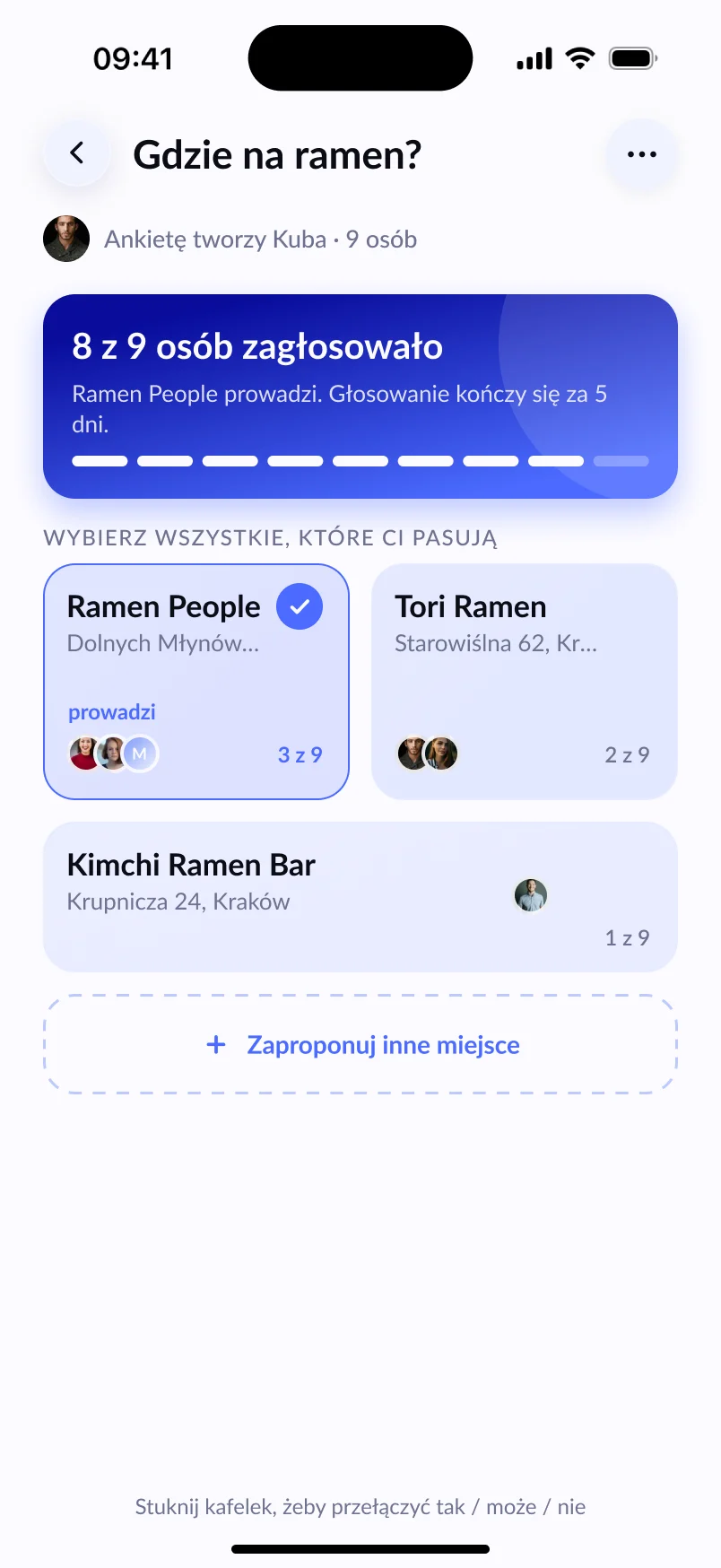
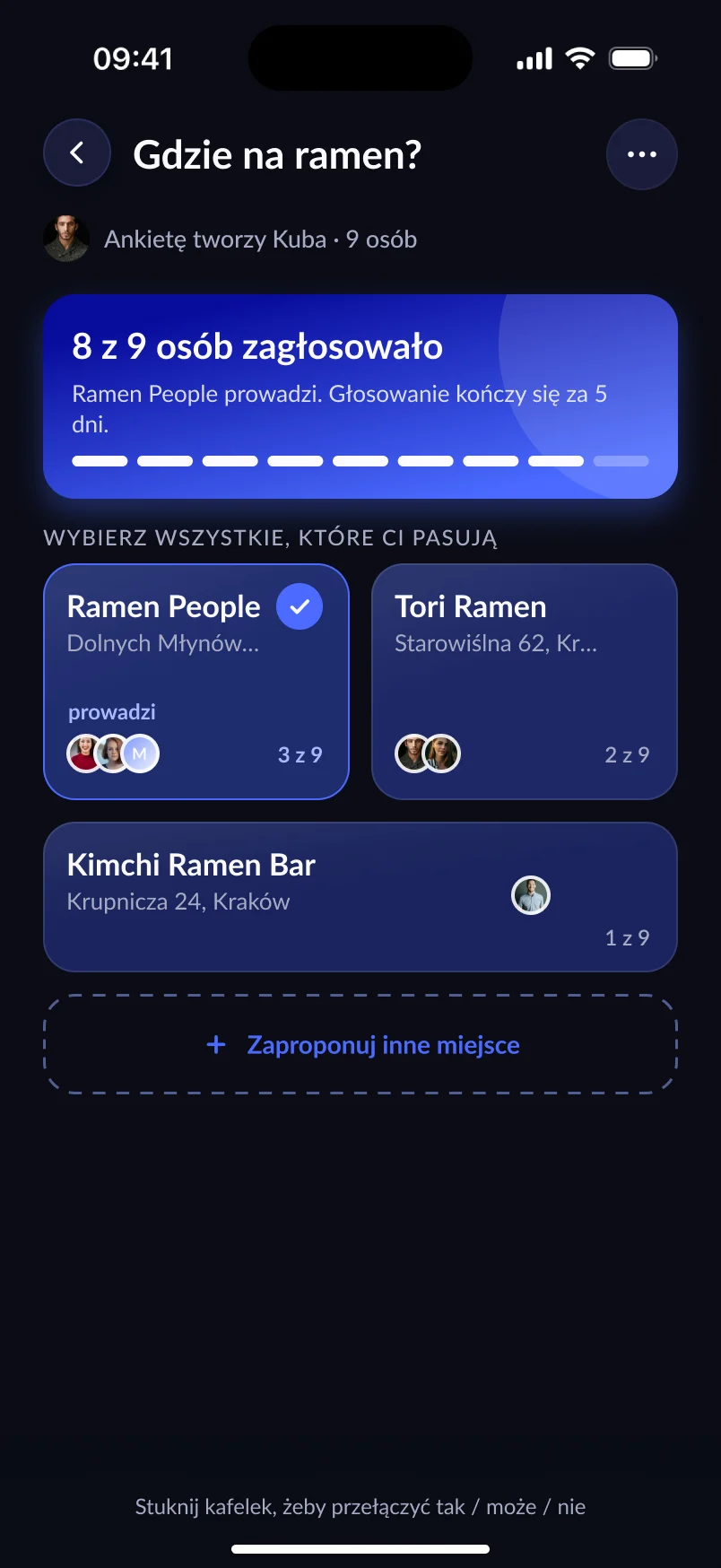
Weekends in BBQ season go fast. Before you create the event, ask your crew in a poll which Saturday works — and maybe where: at the allotment, by the Vistula or at Zakrzówek. See how the poll works.
Directions without the questions
You pick the place from the map or type your own name, e.g. “Marek’s allotment”. You can add directions: the stop, the entrance, parking. Guests open the route in their own navigation app with one tap — Lutra works with Google Maps, Apple Maps and Waze, among others.
Raining? Cancel in seconds
Weather can be unpredictable. The organiser cancels the event from the menu and picks a reason, e.g. Weather. The cancellation notification reaches guests straight away, even at night, so nobody makes the trip for nothing. And if you change your mind, the cancellation can be undone.
After the BBQ
Photos go into the event’s shared album, and if you want to do it again, the Repeat event button opens the creator with the same name and place.
Frequently asked questions
Can guests add things to the list?
Yes. Anyone on the guest list can add items, and an item added by a guest is assigned to them straight away.
Can I change the BBQ location after sending invitations?
Yes. When you change the place, guests get a notification and a note about the change appears in the event chat.
How many people can come?
An invite-only event holds up to 30 people, including the organiser.