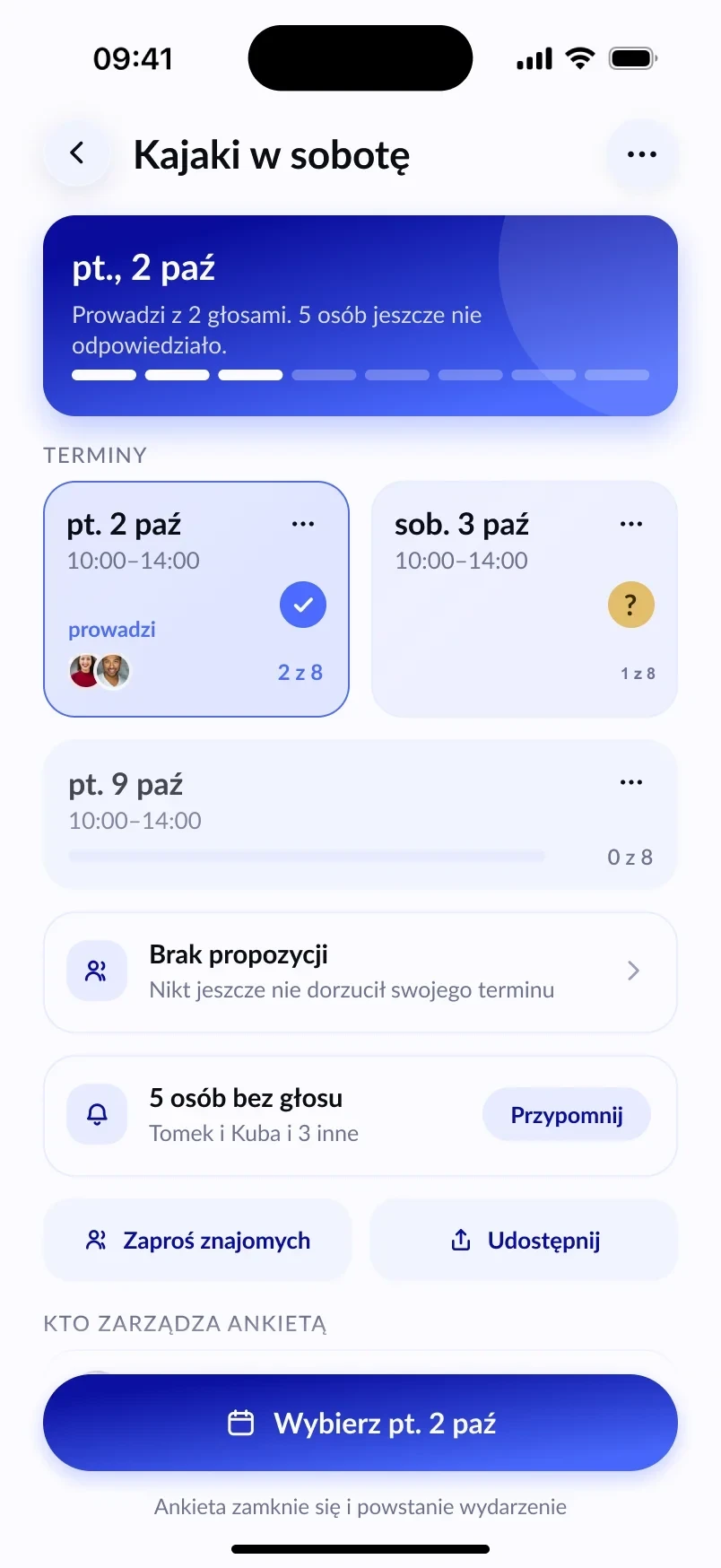
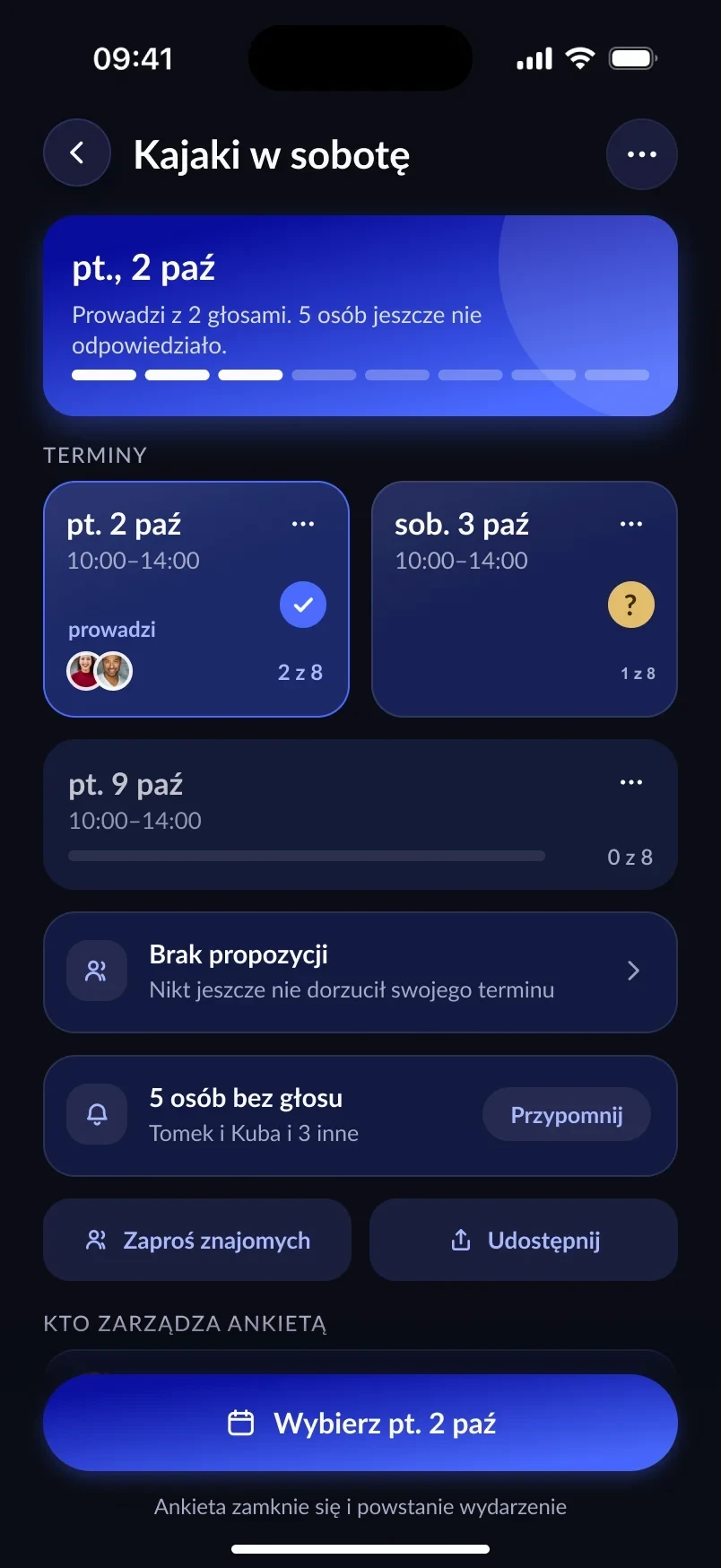
First, a date that works for most
If you’re not sure whether Friday or Saturday is better, create a date poll — the name suggestions even include a ready-made “Birthday”. Friends vote from a link, and you see which day more than half of the crew picked. Details are in our guide to polls for picking a date.
Invitations and a guest list
In the event creator you pick people or whole crews and send the invitations when you publish. Everyone answers Going, Maybe or Not going. Anyone who hasn’t answered gets a reminder a day after the event is created (if the party is more than a day away), and you can nudge them manually with the Remind button.
An event holds up to 30 people including you. If you want a smaller party, set a spot limit — once it’s full, more people go on the waitlist.
The address only for invited guests
Hosting a house party? Only people on the guest list see the address, the gate code and directions. Someone who got a forwarded link only sees the name, date and description, and can ask to join — you decide whether to let them in.
Who brings what
The list of things to bring solves the classic “I’ll get the crisps” repeated by three people. You add items and set how many are needed, and guests sign up themselves or add their own suggestions. Items marked “bring your own” mean everyone brings their own.
In the event rules you can tick ready-made phrases, e.g. Bring something to drink, Shoes off or Quiet after 10 pm.
A co-organiser to help
Planning the party with a friend? Add a co-organiser — they can edit the event, invite guests and keep an eye on the list. The only thing they can’t do is delete it.
After the party: photos in one album
Every event has a photo album (up to 100 per meetup) and a chat. Photos won’t scatter across private messages, and after the party the guests who came can rate it and leave a comment.
Frequently asked questions
How many people can I invite to a birthday in Lutra?
An invite-only event holds up to 30 people, including the organiser.
Can guests invite their friends?
Only if you allow it. By default only the organiser invites. Once you turn on “Crew can forward”, guests add people to a waiting room, and you still give the final OK.
Can I cancel the party?
Yes. The organiser cancels the event from the menu and can give a reason — guests get a notification straight away.